
Design / 3 min read
Photograph what your customers need to see.
A shot list that explains the place, the people, and the work—plus a practical handoff for a fast, usable website.
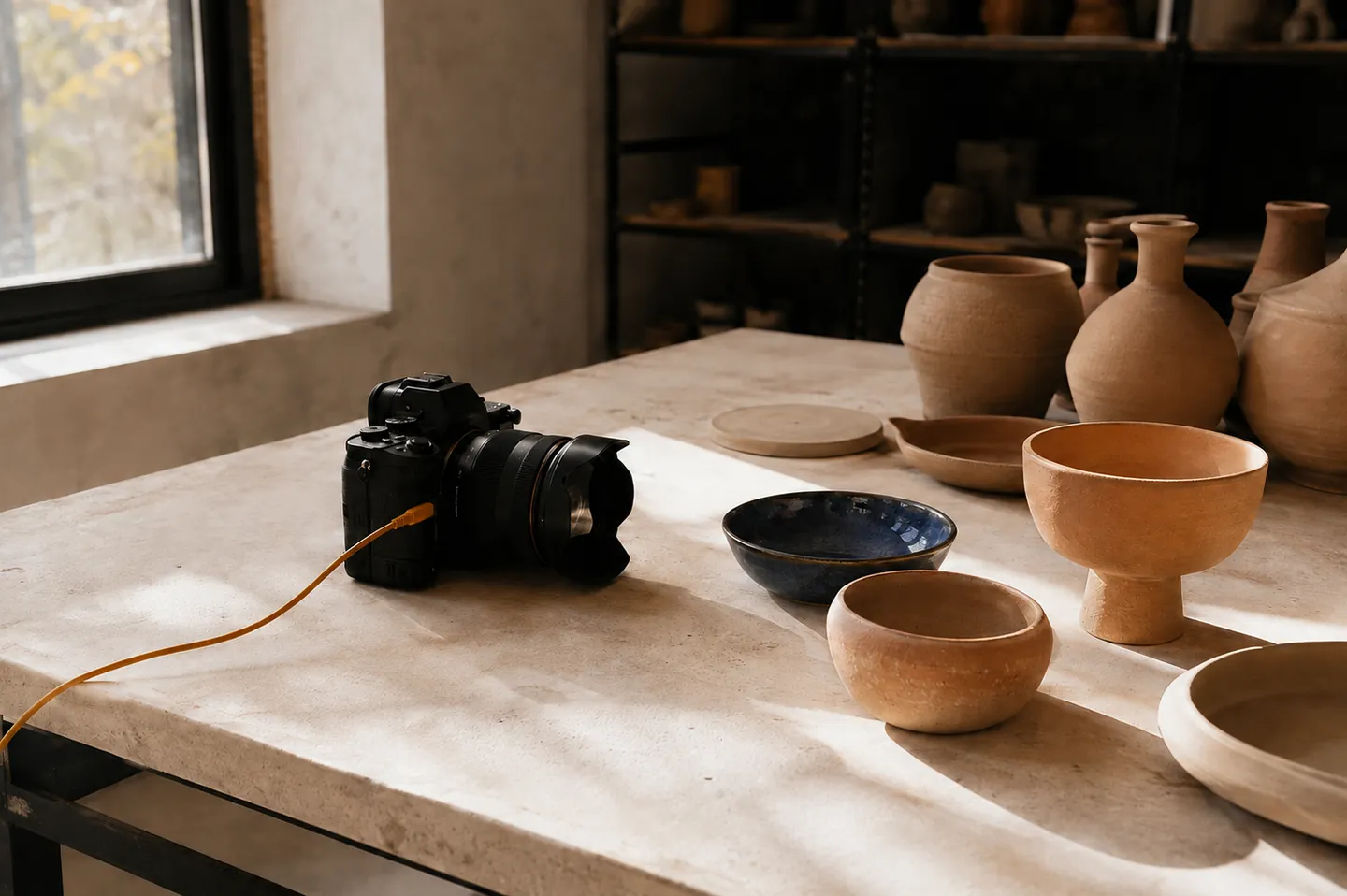
The useful part
Give each image a job. Use real photographs for claims about your business, and make illustrative imagery clearly separate from client proof.
Start with the questions an image can answer.
A customer may want to recognize the entrance, understand the atmosphere, see the finish of your work, or know who will greet them. Build the shot list around those questions. A close photograph of a cabinet joint explains craftsmanship; it cannot show how a completed kitchen fits into the room.
Before the shoot, walk through the planned pages with the photographer. Note which spaces need a wide frame, which details need a close view, and where a person should be looking or working. Bring examples of the desired light and composition, while keeping the actual business as the subject.
Capture a small, useful range.
For a place-based business, our recommended starting set is the exterior, the entrance, a wide interior, the service in context, a detail, and an approved team portrait. It is a planning set, not a rule that every page must contain six images. Some businesses need more product coverage; others need process or completed work.
- Exterior and entrance: help a first-time visitor recognize the location.
- Wide environment: show the atmosphere and how the space works.
- Service or process: make the offer concrete without staging an unsupported claim.
- Details: show materials, products, finish or tools clearly.
- People: use approved, current images with permission to publish.
Plan the crop and the context.
Ask for both landscape and portrait compositions where the page needs them. Leave room around a subject that must survive a mobile crop. Keep faces, hands, and important objects away from edges that will disappear at smaller sizes. Review the crops inside the design before approving the final image set.
Google’s image guidance recommends relevant surrounding text and useful alternative text. Describe what matters in the image rather than stuffing a location or service phrase into every description. A meaningful caption can explain the project or subject; a decorative image may need no spoken description at all.
Hand over assets that can be maintained.
Keep originals separate from web exports. Record the owner, usage permission, subject, and approval date with the file set. Give the builder enough resolution for the intended placement, then let the delivery workflow produce appropriate web sizes. Uploading a large original everywhere is not a photography strategy.
Use generated or stock imagery when it serves an explicitly illustrative role. Do not present it as a photograph of your team, location, or completed client work. The journal images here are editorial illustrations; case-study evidence should come from the real project. That distinction makes the site easier to trust and easier to update.
Before you act
A few useful answers.
Can I use generated imagery on a business website?
It can serve an illustrative role when that role is clear. Use real, approved images for your people, premises, products, and completed work.
Should I send the original photographs to my website team?
Keep and share the approved originals along with usage details. The website team can then prepare appropriate web exports and responsive crops.
Your next decision
Bring the real question.
We can review the website, the customer journey, and the work needed to improve it.
Book a meetingReview current services and pricing